Custom software
When spreadsheets stop working: 7 signs you need an internal tool
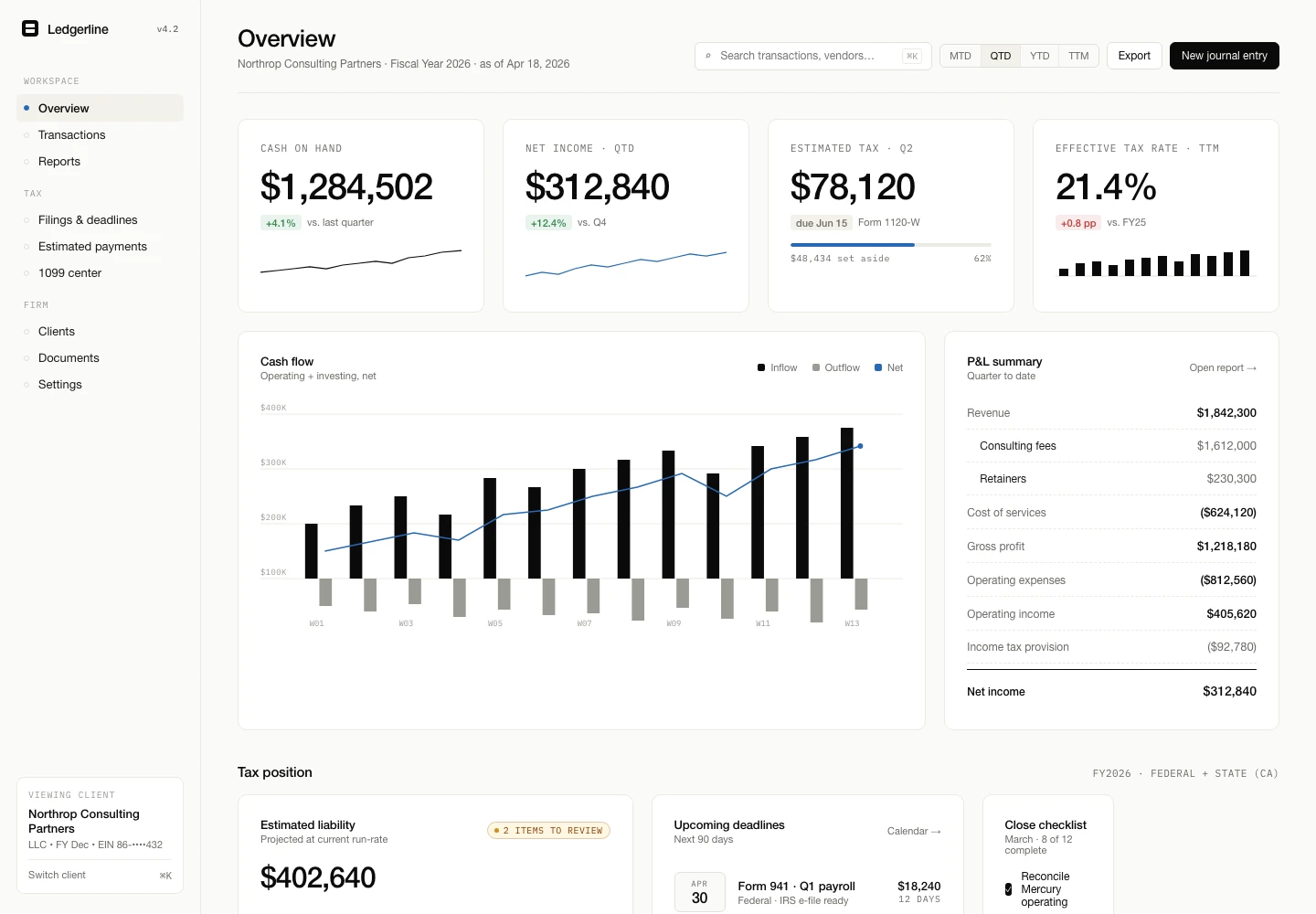
Spreadsheets are flexible, familiar and often exactly the right tool. The problem begins when a sheet quietly becomes the system that coordinates customers, approvals, deadlines and handoffs without the controls that daily operations need. These signs help separate a messy spreadsheet from a workflow that deserves a more dependable home.
Build an internal tool when the workflow needs clear ownership, permissions and repeatable actions that a spreadsheet can no longer provide safely.
1. Nobody is sure which version is current
If staff copy tabs, download files or maintain personal versions, the team spends time reconciling information before acting. A shared online workbook may solve the problem when the process is otherwise simple. If records also move through messages and email approvals, the underlying issue is ownership rather than file storage.
Write down where a record is created, who may change it and which location is authoritative. If the answer changes by department, fix that decision before commissioning software.
2. Important actions depend on memory
Colouring a row red does not assign responsibility. When people must remember to check a tab, copy a deadline into another tool or message a colleague, work can stall without any visible failure. An internal tool can make ownership and next actions explicit.
For example, a tax operations workspace might create a document request, assign a reviewer and show what blocks submission. The value comes from the workflow and accountability, not from replacing cells with cards.
3. Permissions are broader than the work requires
A workbook often gives every editor access to every row and formula. That may be unsuitable when roles should see different customers, financial details or employee information. Password-protecting tabs is not the same as designing access around responsibilities.
Define roles and actions: who can view a record, change its status, approve it, export it and administer the system. If these rules are important and recurring, role-based access may justify a purpose-built tool.
4. Formulas hide business rules
A complex formula can encode a critical deadline or price rule without explaining it to the people relying on the result. Changes may be hard to review, and an accidental edit can affect many records. First document the rule in plain language, including exceptions and ownership.
A tool can validate required information, calculate consistently and keep a history of meaningful changes. It should also make the rule understandable enough for the business owner to verify.
5. Reporting requires repeated copy and clean-up
If a weekly report begins by copying rows from several files, renaming statuses and removing duplicates, the team is maintaining a manual data pipeline. A focused integration or dashboard may be enough; rebuilding the operational workflow is not always necessary.
Identify the source of each field, how frequently it changes and which decisions depend on it. Automate only after the definitions are agreed, otherwise the system will reproduce inconsistent reporting faster.
6. Customers cannot see or supply what they need
A spreadsheet is rarely a suitable customer experience. Staff may retype information from emails, send status updates manually and chase missing documents. A portal or secure intake flow can give customers a clearer route while preserving an internal review step.
Do not expose the internal sheet directly. Decide what customers need to see, what they may change and how staff review submissions before those updates affect the main record.
7. Growth means adding coordinators, not capacity
When each increase in work creates a matching increase in checking, copying and chasing, the process may be ready for redesign. Estimate the frequency and impact of the repeated steps. Include error recovery and management effort, not only minutes spent typing.
Start with a bounded workflow and test it with the people who use the sheet today. Keep exports and a manual fallback. A good internal tool makes the process clearer and easier to operate; it does not merely hide a spreadsheet behind a new interface.
- Can a better shared workbook solve the immediate issue?
- Would connecting existing tools remove the repeated work?
- Is the workflow stable enough to build around?
- Who will own the system after launch?
RELATED SERVICE
Custom software →TURN THE IDEA INTO A NEXT STEP
Let’s make it work
for your business.
Show us the spreadsheet your team has outgrown. We can map the workflow and explore the smallest dependable replacement.
Book a project call ↗