Software planning
Custom software vs off-the-shelf: how to choose for your business

Choose existing software when its workflow fits the job well enough. Consider custom software when an important, repeated business process cannot be handled reliably by configuration or integration. The useful question is not which option is more impressive. It is which approach your team can operate and maintain with the fewest costly compromises.
Choose the smallest dependable system that covers the important workflow, including exceptions and ongoing ownership.
Describe the workflow before comparing products
Write down a real example from start to finish: the trigger, people involved, information required, decisions, exceptions and final outcome. Include the spreadsheet, message thread or manual check that makes the current process work. Those unofficial steps often reveal the actual requirement.
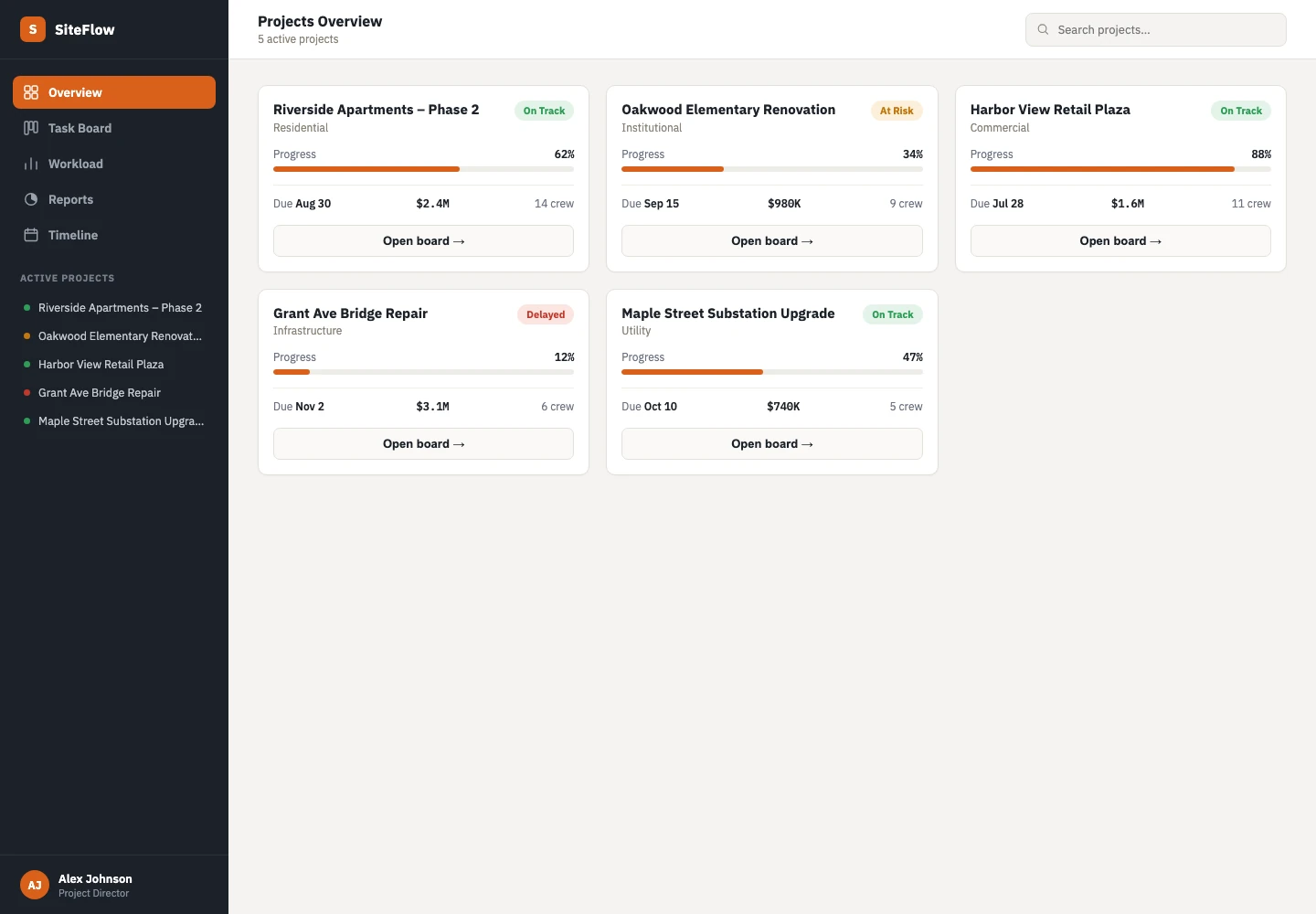
For an illustrative construction workflow, an inspection might start on site, require photographs, need office approval and then release a follow-up task. A generic task board may cover assignment but not the approval record. That gap is more useful to evaluate than a long list of fashionable features.
Compare three routes, not just two
Buying and building are not the only options. Existing software connected by a small integration can solve a narrow gap while keeping the core process in a maintained product. Start by testing configuration, then integration, then custom development if the remaining gap warrants it.
- Off-the-shelf: suitable when the process is standard and configuration covers the important steps.
- Integrated tools: suitable when existing products work individually but information or ownership gets lost between them.
- Custom software: worth exploring when a distinctive workflow, role model or exception process is central to the business.
Assess ownership effort, not only the initial quote
An existing product may involve subscriptions, setup, migration, training, integration work and changes to the way your team operates. A custom system adds design, development, hosting, monitoring, maintenance and future improvements. Neither route removes the need for someone to own the process.
Compare a defined planning horizon and a realistic number of users. Include the effort spent managing workarounds, checking copied information and helping staff use the system. Treat estimates as assumptions to review, not savings that have already been achieved. Ask what happens when usage grows or a provider changes its pricing.
Check data access and exit options early
Before committing, ask whether you can export the information you need in a usable format. Check which integrations are available, what access permissions they need and whether they depend on a particular subscription tier. A product that looks connected in a sales demonstration may still lack the event or field your workflow needs.
For a custom system, agree how access, backups, deployment, documentation and handover will work. Do not assume contractual ownership or support terms from the word “custom”; put the relevant arrangements in the project agreement. The goal is a system you can operate and understand after launch.
Test the difficult scenario before the easy one
A demonstration that creates a task proves very little about daily operations. Test the late approval, duplicate customer, missing document, reassigned employee and failed connection. Invite the people who handle those cases today.
Use a lightweight prototype or a constrained trial to check the most important uncertainty. If staff cannot explain the next action, the interface may need work. If the underlying workflow changes every week, discovery may be more valuable than immediate development. Resolve that uncertainty before expanding the build.
Write a decision brief the team can review
Summarise the current friction, must-have workflow, options considered, remaining gaps and responsibilities. Separate essentials from conveniences. A small system with a clear owner can be a more useful first release than a broad platform nobody has time to maintain.
Frontbits can help map the workflow, design a usable experience and assess what to build or connect. The next step is a scoped discussion of the process, not a commitment to custom software before the alternatives are understood.
- Which exception must the solution handle?
- Who owns the information and approves changes?
- What existing tools should remain?
- How will the first release be tested?
- What handover and support need to be agreed?
RELATED SERVICE
Custom software →TURN THE IDEA INTO A NEXT STEP
Let’s make it work
for your business.
Bring one process your current tools struggle with. We will explore whether to improve, connect or build.
Book a project call ↗