Customer experience
Customer portal features: what businesses and customers actually need
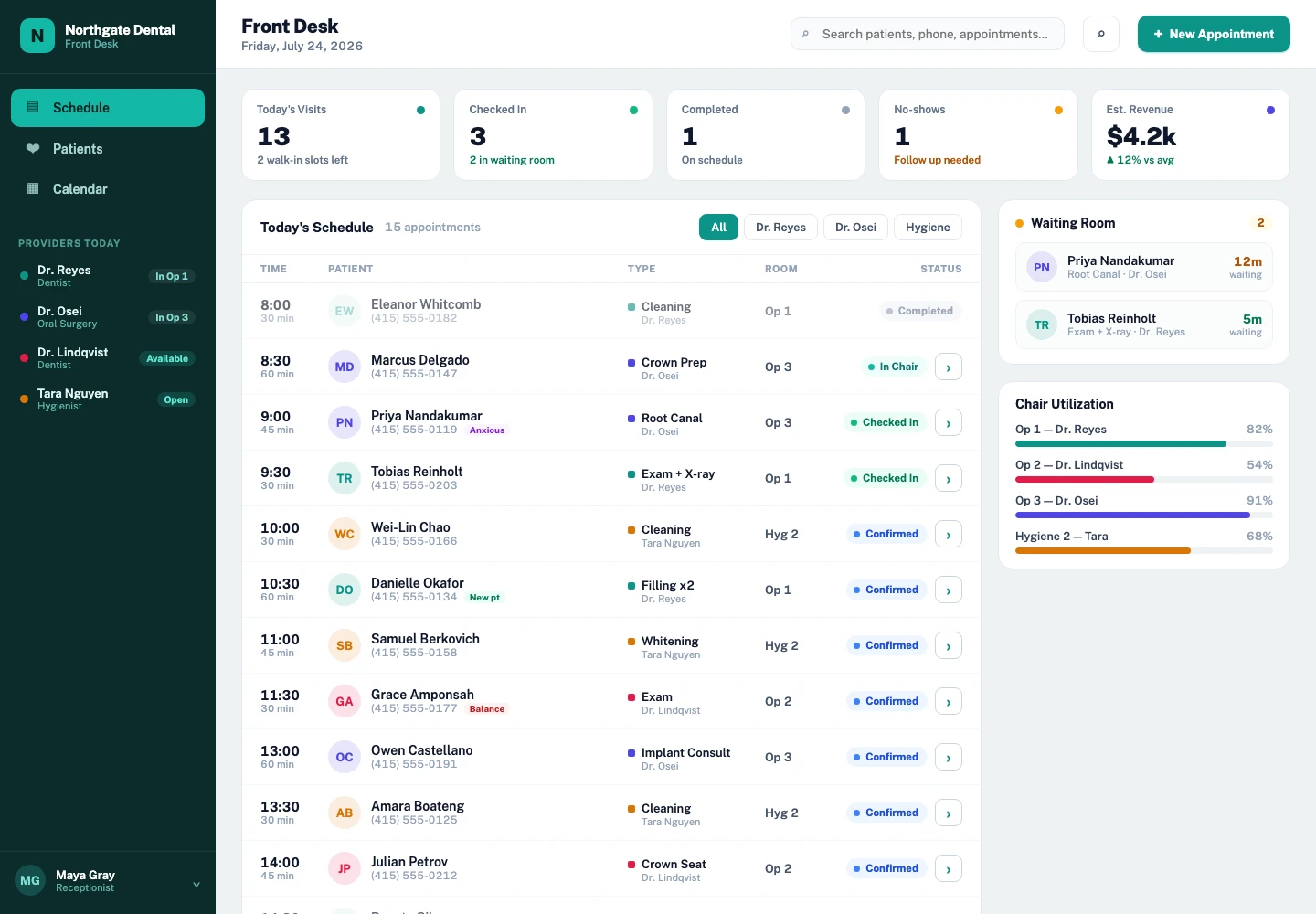
A customer portal should make a recurring task easier for the customer and the team serving them. Start with the job people are trying to complete: provide a document, check progress, update details, approve work or request help. A long feature list cannot compensate for an unclear service journey.
A useful portal connects a small number of clear customer tasks to dependable internal ownership and support.
Begin with customer tasks and support questions
Review the questions customers ask repeatedly and the information staff repeatedly request. Speak with a range of customers, including people who use mobile devices, assistive technology or need more support. GOV.UK service guidance recommends understanding users, their current process and frustrations before planning or building a service.
Choose one or two high-value tasks for the first release. A property customer may need to report maintenance and follow progress. A professional-services client may need to supply documents and see what is missing. These journeys require different portal structures.
Show status in language customers understand
Internal workflow names often make little sense outside the team. Translate statuses into clear customer-facing language and explain the next step. “Under review — we will contact you if anything else is needed” is more useful than “Stage 3B”.
Show when the status last changed and who is responsible for the next action. Avoid promising dates the operation cannot support. When a delay occurs, give the customer a route to ask for help rather than leaving them with a static progress bar.
Make document exchange clear and recoverable
For each requested file, explain what is needed, accepted formats and any relevant deadline. Confirm successful receipt and keep the original submission available to authorised staff. If a file fails, explain why and let the customer try again without losing other progress.
Plan retention, access and deletion with the sensitivity of the information in mind. A portal should not collect extra personal information simply because storage is available. Agree which third-party services process uploads before launch.
Keep messages connected to the record
A generic inbox can separate a conversation from the request it concerns. Link messages to the relevant case, order or project and make the response owner visible. Notifications should point customers back to the secure record instead of placing sensitive details in email.
Decide which messages need a human response and how they are assigned. Automated acknowledgements can confirm receipt and set expectations, but they should not pretend that a person has reviewed the request.
Design secure access and account recovery together
Use an authentication approach appropriate to the information and risk. Define whether one customer account can represent an organisation, invite colleagues or access several records. Test what happens when a staff member leaves either organisation.
Account recovery is part of the service, not a technical afterthought. Give customers a clear way to regain access without exposing their information. Log important changes and make support responsibilities explicit.
Connect the portal to the team’s actual workflow
A polished customer interface can still create more work if staff must copy every submission into another system. Map each customer action to the internal record, owner and response. Decide which updates are automatic and which require review.
Pilot the portal with a manageable group and track completion, support questions and exceptions. Keep another support channel for people who cannot use the portal. Expand features only when the first journeys work for customers and the team can operate them reliably.
- Can customers complete the main task on a phone?
- Are statuses and next steps clear?
- Do staff see new submissions in the right workflow?
- Are access, recovery and support responsibilities agreed?
Further reading
RELATED SERVICE
Custom software →TURN THE IDEA INTO A NEXT STEP
Let’s make it work
for your business.
Bring the customer requests your team handles repeatedly. We can shape a portal around the journey on both sides.
Book a project call ↗