Internal Tools for Customer Support Teams: What Actually Saves Time

Most customer support teams are running fast on broken infrastructure.
The help desk works. The ticketing tool works. The team is competent and the customers are mostly happy. And yet, if you watched a senior support agent for an hour, you would see them switch between six tools, copy paste customer details four or five times, look up the same information across three systems, and write the same kinds of answers from scratch over and over. Each individual action takes a few seconds. Across a day, across a team, across a year, the time adds up to a real number.
This is the quiet cost of generic support tooling. The headline tools (Intercom, Zendesk, Freshdesk, HubSpot Service) are good at what they do. They handle inbound tickets, manage queues, store conversation history, and route work. They are not good at the specific texture of how your business actually works, because they cannot be. They were built to serve a generic support team, not yours.
The result is that your team builds workarounds. The workarounds become permanent. And the permanent workarounds become the largest hidden tax on your support function.
This post is about which internal tools actually save customer support teams meaningful time, which ones do not, and how to think about building rather than buying when off the shelf has stopped scaling.
Where customer support time actually goes
Before talking about tools, it is worth being specific about where the time actually disappears. Most support leaders, asked where their team spends time, will say "answering tickets." That is true at the top level and misleading at the detail level.
Inside a typical support workflow, a senior agent's time breaks down roughly like this. Reading the incoming ticket and figuring out what the customer is actually asking. Looking up the customer's account, history, and current status across two or three systems. Looking up the answer to whatever they are asking, often by checking with engineering, sales, or another team. Drafting the response, sometimes from scratch and sometimes from a saved template that does not quite fit. Updating internal records about what was discussed and what was promised. Following up later if the issue is not resolved on first contact.
Of these, the time that actually reduces customer wait is "drafting the response." Everything else is overhead. The most underperforming support teams have ratios where overhead consumes 60 percent or more of agent time. The best teams have it down to 30 or 35.
The work of building good internal tools is the work of compressing the overhead. Not making the response writing faster, but making everything around the response writing close to free.
What off the shelf tools do well, and where they fall short
Modern help desks do five things well. Inbound channel consolidation. Queue management. Conversation history. Basic automation rules. Reporting on volume and SLA.
These are real capabilities and the reason help desks are universally adopted. Building these from scratch makes no sense. Almost every SMB should run their support function on a help desk.
The places off the shelf falls short are predictable and consistent across categories.
Customer context that lives outside the help desk. Your help desk knows about tickets. It does not know about your customer's product usage, their billing status, their open invoices, their delivery history, their custom contract terms, or the specific edge cases that apply to their account. All of that lives somewhere else, and the agent has to fetch it manually, every time.
Internal knowledge specific to your business. Help desks have knowledge bases for customers. They are weaker on internal knowledge for agents, the kind that says "for this product, in this situation, here is exactly what we do, and here is the script we use." The internal version of the knowledge base is usually a Notion doc, a Google Drive folder, or a Slack channel that nobody updates.
Workflows that span beyond the support team. A refund touches finance. A delivery problem touches operations. A complex bug touches engineering. Off the shelf help desks let you tag and assign, but the actual handoff and tracking across teams almost always happens in a different tool, in Slack, or in someone's head.
Customer specific actions. Resending a confirmation email, extending a trial, applying a credit, escalating a case to engineering with the right context attached. Most of these require an agent to leave the help desk, log into another system, perform the action, then come back and document it.
These four gaps are where internal tooling actually saves time. Not by replacing the help desk, but by closing the gaps the help desk cannot close on its own.
The four internal tools that actually move the needle
Across the SMB customer support teams we have built for, four kinds of internal tools consistently produce real time savings. None of them are exotic. All of them are buildable in weeks, not quarters.
One: the unified customer view
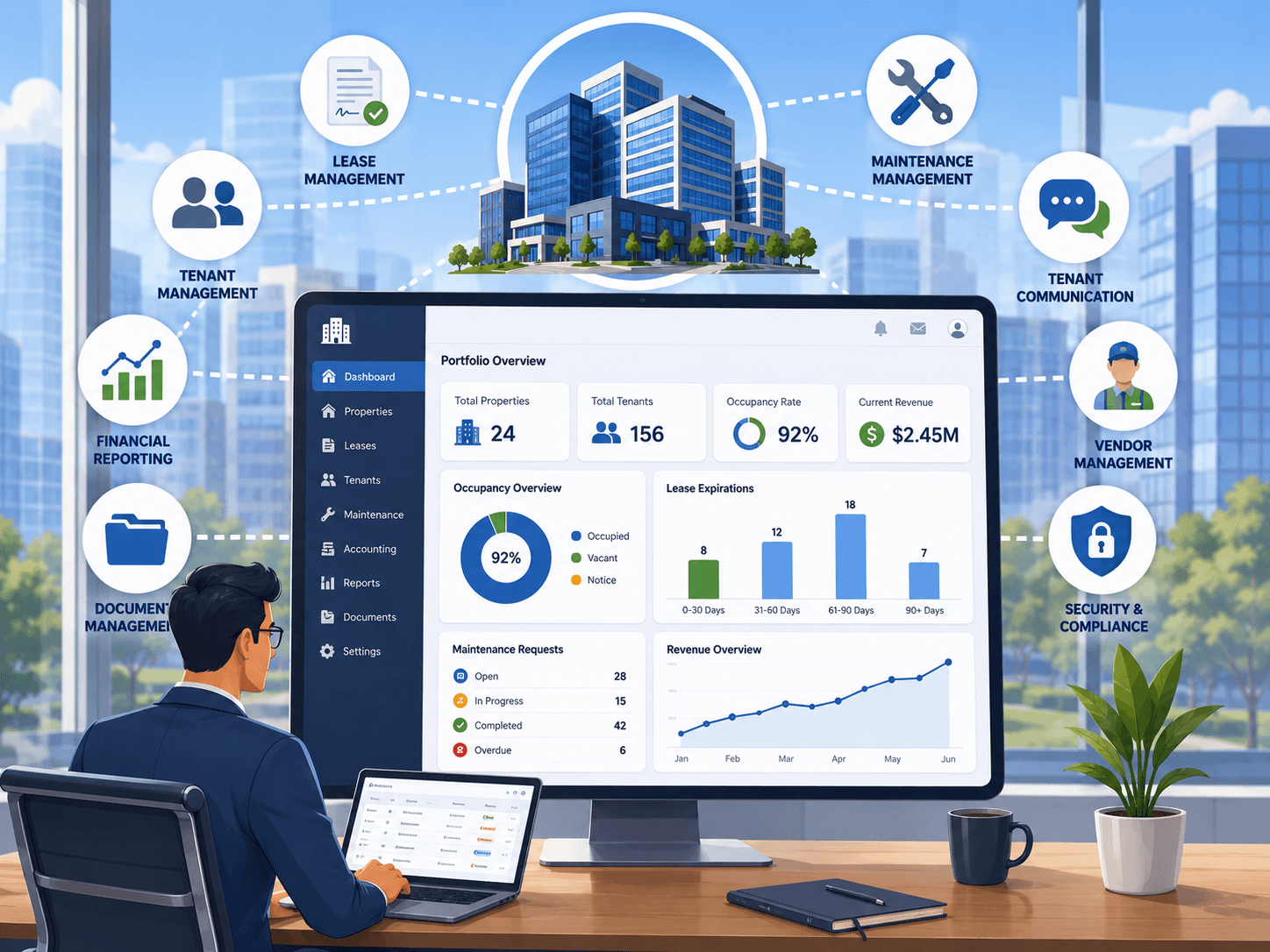
The single highest impact internal tool for most support teams is a unified customer view. One screen that shows everything an agent needs to know about a customer, pulled automatically from every system that has relevant data.
The view is opened by typing in a customer's name, email, or account ID. Within a second, the agent sees current product usage, billing status, recent transactions, recent support history, contract terms, assigned account manager, and any flags that other teams have raised about this customer. The information is not perfectly up to date because some of it is not real time, but it is current enough that the agent does not have to log into four systems to assemble the picture themselves.
The time savings here are large because the lookup happens dozens of times a day per agent. Compressing a 90 second multi tool lookup into a 5 second single screen view saves more agent time, in aggregate, than almost any other support investment.
The build complexity is moderate. Most of the work is in the integrations: connecting to the help desk, the billing tool, the product database, and any other relevant source. Once the integrations are in place, the view itself is straightforward.
Two: the action panel
Once the agent knows what the customer needs, they have to do something. Apply a credit. Resend an email. Extend a trial. Escalate a bug. Update an account setting. Log a refund.
In most SMB support workflows, each of these actions requires leaving the help desk, logging into a different system, performing the action, and coming back to document what happened. The agent context switches multiple times per ticket. Each switch costs time and increases error rates.
An action panel, attached to the unified customer view, surfaces the most common agent actions as buttons. Click "extend trial 14 days" and the action happens in the underlying system and gets logged automatically. Click "apply credit" and the form pops up with the customer already filled in. Click "escalate to engineering" and the bug is created in the engineering tracker with the conversation, customer details, and reproduction steps already attached.
The action panel works because it puts the doing inside the same workflow as the deciding. The agent never leaves the screen. Time savings come from the elimination of context switches and from the elimination of errors that happen when agents have to manually retype information across systems.
This is also the tool that produces the largest morale improvement on a support team, because the agents stop feeling like they are doing data entry between actual support conversations.
Three: the internal knowledge layer
Customer facing knowledge bases have been a solved problem for a decade. Internal knowledge bases for support agents have not.
The agent question is not "how does the product work" but "what do we do in this specific situation." How do we handle a refund request from a customer outside the standard window. What is our position on extending enterprise contracts mid term. Who do we escalate to when the issue is X. The answers to these exist, somewhere, in the heads of senior team members, in Slack threads from six months ago, or in a Notion doc that has not been updated since onboarding.
A purpose built internal knowledge layer surfaces these answers in context, when the agent needs them. Some teams achieve this with a tightly maintained Notion or Confluence setup. Others build a custom tool that lives next to the help desk and surfaces relevant playbooks based on the type of ticket the agent is looking at.
The custom version, when done well, dramatically reduces the time senior team members spend answering "how do I handle this" questions, and it dramatically reduces the variance in how customers get treated. Two agents handling similar situations end up giving similar responses, which is what consistency actually means in practice.
The build is lighter than the previous two because it does not require deep integrations. It requires a clean content model, a fast search experience, and discipline about keeping the content current.
Four: the workflow tracker for cross team handoffs
The fourth high leverage tool is a workflow tracker for handoffs between support and other teams. Refunds that need finance approval. Deliveries that need operations action. Bugs that need engineering investigation. Account changes that need sales sign off.
In most SMBs, these handoffs happen in Slack. The agent posts a message. Someone on the other team eventually picks it up, eventually responds, and eventually marks it complete in their head. The customer waits without visibility. The support team has no record of how long these handoffs typically take. Bottlenecks are invisible until they become crises.
A simple workflow tracker captures every cross team handoff, assigns it to the right team, records the time it takes, and lets the support team see at a glance which handoffs are stuck and where. The tracker does not have to be sophisticated. The presence of any structured system, replacing ad hoc Slack, transforms how cross team work runs.
This is the tool support leaders most often want and least often have. Building it is usually one to two weeks of focused work and the operational improvement is substantial.
What you can buy off the shelf, and what you should not
The pragmatic version of building internal support tools is almost never to replace the help desk. It is to layer custom tooling on top of and around the help desk, closing the gaps it cannot close.
Stay with off the shelf for the help desk itself, the ticketing system, the customer facing knowledge base, the automated routing, and the basic SLA reporting. These are mature problems with mature solutions, and rebuilding them is a waste.
Consider custom for the unified customer view, the action panel, the internal knowledge layer, the cross team workflow tracker, and any reporting that combines support data with business data outside the help desk. These are the places where generic tools cannot match the specifics of how your business runs.
Definitely custom for anything that ties support actions to revenue impact. If you want to know which customers your support team is saving from churn, which interventions actually retain accounts, and which agent behaviours predict CSAT, that analysis lives outside the help desk and almost always needs custom work to expose.
The cost of building these tools is lower than support leaders typically assume. A solid unified customer view and action panel for an SMB support team usually lands between 15,000 and 40,000 dollars, depending on integration complexity. The timeline is 6 to 12 weeks. The ongoing time savings on a team of 5 to 15 agents pays this back inside a year, and the morale improvement pays back faster than that.
The metric that matters
Support leaders often measure tickets per agent, time to first response, and CSAT. These are reasonable metrics. They are not the metric that captures whether your tooling is actually working.
The metric that does is the ratio of agent time spent on customer interaction versus agent time spent on overhead. If you can measure this honestly, by sampling or by observation, you have the number that should drive every tooling decision.
A team where agents spend 65 percent of their time on actual customer interaction is well tooled. A team where agents spend 35 percent on customer interaction and 65 percent on lookups, context switching, internal coordination, and data entry is poorly tooled. The fix is not hiring more agents. The fix is building the tools that move the ratio.
This is the framing that justifies internal tool investment in support. Not as a productivity initiative, but as a way of buying back the most expensive thing in your support function: the time of the people who actually talk to customers.
When custom support tooling is the wrong move
This is not universal. There are situations where building custom support tooling is the wrong investment.
Your support team is under three people. At that size, the gains from custom tooling are real but small in absolute terms. Wait until the team is bigger and the time savings actually compound.
Your processes are still being figured out. Building custom tooling around workflows that are still changing means you build the wrong tool. Stabilise the workflow first. Tool it second.
You have not yet invested in good help desk hygiene. A custom layer on top of an unmaintained help desk is a custom layer on top of garbage data. Get the foundation working before you start adding sophistication.
You cannot commit to maintenance. Custom tools need light ongoing care. If nobody on your side will own that, the tools degrade and the investment is wasted.
When these conditions are met, custom support tooling is one of the highest ROI investments an SMB can make. When they are not, it usually disappoints.
The short version
Customer support teams in SMBs lose more time to overhead than to the actual work of answering customers. Off the shelf help desks do their core job well and leave four big gaps: customer context that lives elsewhere, internal knowledge specific to your business, cross team workflow handoffs, and customer specific actions that require leaving the help desk.
The internal tools that close these gaps are buildable in weeks, pay back inside a year on most teams, and produce both time savings and morale improvements that off the shelf cannot match. The right approach is almost never to replace the help desk. It is to layer custom tooling around it, surgically, where the generic tool falls short.
If your support team is competent, your help desk is fine, and your senior agents still seem to be working too hard for the volume they handle, the gap is almost certainly in the overhead. That is the work worth doing.
At Frontbits we build internal tools for customer support teams on fixed scope, fixed pricing, in 6 to 12 weeks. If you have a support team running on a help desk that mostly works and a stack of workarounds that mostly do not, the conversation starts with a 60 minute audit of where your agent time is actually going. Bring your help desk, your workarounds, and an honest team headcount, and we will help you figure out which of the four gaps is costing you the most.