Custom Software vs SaaS: When Off the Shelf Stops Working

Most growing companies do not have a software problem. They have a stitching problem.
Twelve tabs open. Zapier glueing four tools together. A Notion doc that explains how to run a workflow because the SaaS itself cannot handle the real version of it. A finance person who exports a CSV every Friday because the "reporting" in the tool everyone pays for does not actually report on the numbers the business runs on.
This is the moment most SMBs hit the ceiling of off the shelf software. The question stops being "which SaaS should we buy?" and becomes "why are we still paying for software that almost fits?"
This guide is for founders and operations leaders trying to answer that question honestly. We will walk through what each option actually costs, the signals that your SaaS stack has outgrown its usefulness, and a simple framework for deciding when custom software is the smarter move.
The real difference between SaaS and custom software
SaaS is rented software built for the average customer. Custom software is owned software built for your specific workflow.
That sounds obvious, but the implications are where most founders get it wrong.
When you buy SaaS, you are buying a vendor's opinion about how your work should be done. That is fine when their opinion matches reality. It stops being fine the moment your workflow, your margins, or your customers demand something the vendor has not prioritised on their roadmap.
Custom software flips the relationship. Instead of bending your operations around a tool, the tool is shaped around your operations. You own the logic, the data, and the roadmap.
Neither is universally better. The honest answer is that SaaS wins when your needs are generic and custom wins when your needs are specific and repeated. Most SMBs need both. The skill is knowing which problem belongs in which category.
What SaaS actually costs you (beyond the subscription)
The sticker price is the least interesting number in a SaaS contract. Founders who only compare monthly fees miss the bigger costs that pile up quietly.
Per seat pricing that scales against you. A tool that costs 30 dollars per user looks cheap at 5 users and painful at 50. By the time you notice, switching is politically expensive.
Integration sprawl. The average SMB runs 40 to 80 SaaS subscriptions. Each one needs to talk to the others, which usually means Zapier, Make, or a middleware subscription on top. You end up paying for the plumbing that should not exist.
Workarounds as permanent infrastructure. Every time a tool cannot do something your business needs, someone builds a workaround. A spreadsheet. A manual process. A Slack channel that functions as a database. These workarounds become load bearing and nobody documents them.
Data you do not really own. Your customer records, your deal history, your operational data all live inside someone else's product. Exporting is possible. Moving it somewhere useful is another project entirely.
Roadmap dependency. You asked for a feature 18 months ago. It is still "on the backlog." Your revenue now depends on a product decision made in another country by people who do not know you exist.
None of this is an argument against SaaS. Email, accounting, payroll, and calendar tools should almost always be SaaS. The argument is that the true cost of SaaS is higher than the invoice suggests, and that cost climbs fastest in the parts of your business that are actually differentiated.
What custom software actually costs you
The mirror image matters too. Custom software is often pitched as cheap on subscriptions and expensive on everything else. Sometimes that is right. Usually it is misunderstood.
Upfront build cost. A well scoped internal tool for an SMB typically lands between 5,000 and 40,000 dollars depending on complexity. That is a real number, not hypothetical. It is also a one time cost compared to a SaaS subscription that compounds forever.
Ongoing maintenance. Custom software needs updates, hosting, and occasional changes. Budget roughly 10 to 20 percent of the build cost per year. Still usually lower than equivalent SaaS for tools with meaningful user counts.
The wrong kind of custom. Custom software goes badly when the scope is not nailed down, when the agency bills hourly with no ceiling, or when the tool tries to replace something that SaaS does well. These are avoidable failure modes, not inherent risks.
Dependency on the builder. If the people who built your tool disappear, you need someone else who can read their code. This is why modern custom software is usually built on mainstream stacks like React, TypeScript, and Supabase rather than exotic frameworks that only three people understand.
The good version of custom software looks nothing like the horror stories founders tell. Scoped timelines, fixed pricing, mainstream tech, clean handover. That is the bar we hold ourselves to at Frontbits, and it is the bar any agency worth hiring should meet.
Seven signals that off the shelf has stopped working
You do not need a consultant to tell you when SaaS is failing. The symptoms are obvious if you know what to look for.
1. You are paying for features you will never use to get to the one you need. Enterprise tier pricing to unlock a single workflow is a tax on being ignored by the vendor.
2. Your team runs the business in spreadsheets that shadow the SaaS. If the real source of truth is a Google Sheet that someone updates manually from the tool you pay for, the tool is not the source of truth.
3. Onboarding a new hire takes a week of explaining workarounds. Documentation that exists only to explain what the software cannot do is a signal the software has lost.
4. You have three tools doing overlapping work. Often a sign that nobody wants to fully commit to one because none of them actually fit.
5. Your differentiation depends on a feature the vendor does not care about. If what makes your business special lives inside a SaaS roadmap you do not control, your moat is rented.
6. Reporting requires exports and manual stitching. Every business runs on a handful of numbers. If getting those numbers takes more than a click, the tool is failing at the one job that matters.
7. The cost of the SaaS has crossed the cost of building. Multiply your monthly subscription by 36 months. If that number is close to or larger than a custom build, the math has already tipped.
None of these signals alone means "go custom." Two or three of them together usually means it is time to seriously evaluate.
A decision framework: when to build, when to buy
Here is the framework we use with Frontbits clients. It is simple on purpose.
Buy SaaS when the function is generic, mature, and not a source of competitive advantage. Accounting. Email. Payroll. CRM for a 5 person team. Project management for a small ops group. Calendar. Video calls. These are solved problems. Paying for someone else's solution is almost always right.
Build custom when the function is specific, repeated, and tied to how you make money. Your client onboarding flow. Your pricing calculator. Your internal operations dashboard. Your quoting process. Your compliance workflow. Your vertical specific data model. These are the places where SaaS forces you to compromise, and the compromises compound.
Stay with SaaS when switching cost exceeds the pain. If the tool is mediocre but embedded and the pain is tolerable, leave it alone. Not every inefficiency needs to be solved. The point is to solve the ones that are actually costing you money or slowing you down.
Go custom when you have already tried to solve it with SaaS and failed. The clearest signal is a workflow you have tried to buy your way out of two or three times. Different tools, same problem. That is the workflow that should be owned, not rented.
A short case in the wild
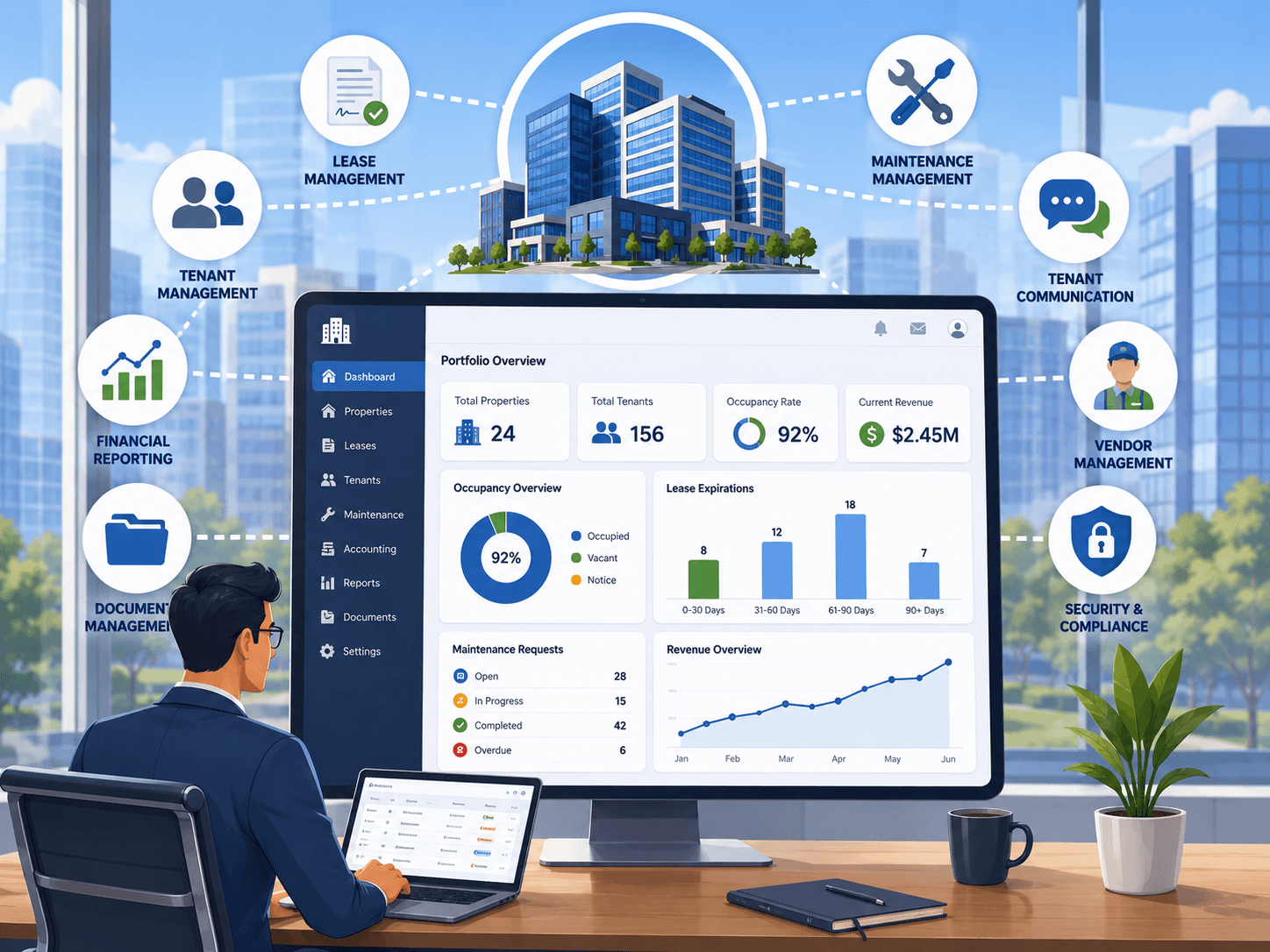
Picture a 30 person property management firm in Dubai. They pay for a general CRM, a separate document signing tool, a third for maintenance tickets, and a fourth for owner communications. Each one does its job at maybe 70 percent fit. The glue between them is a team member whose actual job title has nothing to do with software.
Every month, the owner manually reconciles data across four systems to produce a single report for investors. Every new building onboarded takes a week because setup has to happen four times.
The SaaS bill is reasonable. The actual cost is the person doing reconciliation, the week per building, and the errors that sneak in through manual copy paste.
A single custom internal tool that models the way they actually work, including the contract logic, the cheque schedule, and the owner reporting, replaces all four tools. One time build cost, roughly 25,000 dollars. Monthly savings in subscriptions and labour, roughly 3,000 dollars. Break even inside nine months. Every month after is pure margin.
This is not a fictional scenario. It is the shape of conversation we have most weeks at Frontbits.
The hybrid answer most SMBs actually want
The real answer for most growing businesses is not custom versus SaaS. It is custom plus SaaS.
Keep the SaaS tools that work. Email, accounting, messaging, and calendar should almost certainly stay rented. Replace the middle layer, the messy part where your actual operations live, with custom software that reflects how your business runs.
The wins compound fast. Fewer tools to pay for. Less glue code. A single source of truth. Reporting that does not require a CSV export. Onboarding that does not require a 40 page manual. Data that you own outright.
This is the positioning behind most successful operations modernisation projects we see. Not a total rebuild. A strategic replacement of the parts that actually matter.
How to start the evaluation without overcommitting
If you are reading this and recognising your own business in too many of the signals, the next step is not a six month discovery project. It is a 60 minute audit.
Map your current stack. List every SaaS tool, every workaround, every spreadsheet that runs a real workflow. Mark which ones are generic and which ones are tied to your competitive edge. For the second category, ask honestly whether the tool fits or whether you have been compromising around it.
That list is the shortlist of candidates for custom. Usually it is shorter than founders expect, which is good news. The goal is not to rebuild everything. It is to find the two or three workflows where ownership pays for itself inside a year.
The short version
SaaS is rented opinions. Custom is owned operations. Most SMBs should rent the generic and own the specific.
If your team is running the business in spreadsheets that shadow your tools, if your differentiation depends on a roadmap you do not control, if the subscription math has crossed the build math, the ceiling has arrived. You do not have to rebuild your stack. You just have to own the parts that actually run your business.
That is the work Frontbits does. Fixed scope, fixed pricing, modern stack, clean handover. If you are ready to map your stack and find the workflows worth owning, get in touch and we will run the 60 minute audit with you.